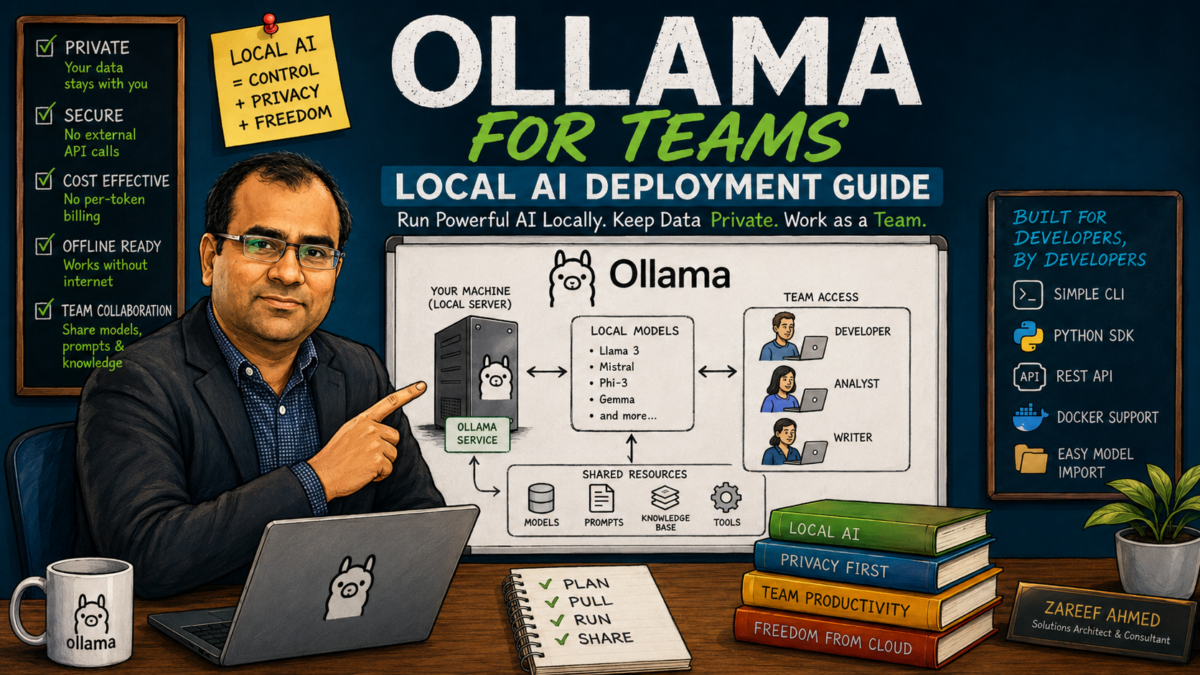
Ollama is how most engineers first run an open model: one install, one pull, and a model is answering on your laptop. My Ollama guide covers that single-machine story. This guide is the next chapter: taking the same tool your developers already know and turning it into a shared service for a team, with the concurrency settings, access control, and model governance that a laptop setup never needs. It is the Ollama-specific implementation of the general architecture in How to Run LLMs Inside Your Company Network.
Why Ollama is a good team choice, and when it stops being one
For a team-scale deployment Ollama has three real advantages: it is operationally simple (one binary, one systemd service, no cluster to babysit), it has a well-curated model library with sane quantization defaults, and it exposes an OpenAI-compatible API, so every editor plugin and internal tool connects with a base URL and a key. There is also a soft advantage that matters for adoption: your engineers already trust it from their laptops.
Be equally honest about the ceiling. Ollama is a single-node server with straightforward scheduling. For a team of five to fifty engineers with mixed usage it is usually plenty. When you have hundreds of concurrent users, strict latency targets, or multi-node ambitions, that is vLLM territory, and because you standardized on the OpenAI-compatible API, migrating later means changing a URL, not rewriting clients. Start simple; let measured load justify complexity.
Set up the server properly
Three things separate a server install from a laptop install:
- Run it as a service. Install Ollama on the GPU server and let it run under systemd, starting on boot, restarting on failure, with logs in journald where your existing tooling finds them.
- Bind it deliberately. By default Ollama listens on localhost only. Set
OLLAMA_HOST=0.0.0.0:11434in the service environment so it accepts connections from the network, and pair that with the firewall and proxy rules below, never with an open port. - Plan model storage. Models are large; put the model directory (
OLLAMA_MODELS) on a volume sized for a dozen models, not on the root disk that fills up at 2 a.m.
Tune for many users, not one
Laptop Ollama serves one person; server Ollama needs its concurrency told to it. Two environment variables do most of the work: OLLAMA_NUM_PARALLEL (how many requests a loaded model serves simultaneously) and OLLAMA_MAX_LOADED_MODELS (how many models stay resident at once). Both spend the same budget: GPU memory. Each parallel slot holds its own context window, so parallelism times context length is VRAM you must actually have.
A working recipe for a team pilot on a single 24 GB card: one well-chosen 8B-class chat model with parallelism set to handle your realistic simultaneous users, plus the small embedding model if you run retrieval, and nothing else resident. Set OLLAMA_KEEP_ALIVE long enough that the model does not unload between requests during working hours; reload latency is the difference between a tool that feels instant and one that feels broken. Then load-test with realistic prompts before the team arrives, not after.
Put a front door on it
Ollama has no built-in authentication, which is correct for localhost and unacceptable for a shared network service. The pattern from the company network guide applies directly: a reverse proxy (nginx or Caddy you already run) in front of port 11434, with TLS on an internal DNS name, per-team API keys checked at the proxy, rate limits so one runaway script cannot starve the team, and access logs that record who and how much while excluding prompt bodies. The Ollama port itself is firewalled to accept only the proxy. This is an afternoon of work and it is the difference between a service and an incident.
Govern the model list
On a laptop, pulling a new model is a hobby. On a shared server, it is a production change: a model swap alters the behavior of every tool pointed at the endpoint. Treat the model list the way you treat dependencies:
- Curate a short blessed list: one default chat model, one embedding model, perhaps one large model for hard tasks. Every resident model competes for the same VRAM your default model needs.
- Pin by digest, not by tag. A tag like
llama3:8bcan move when upstream re-publishes; recording the digest makes deployments reproducible and rollbacks exact. - Evaluate before promoting. Run your evaluation prompts (the architecture checklist covers building that suite) against a candidate model on a staging port before it becomes the team default, and keep the previous model on disk so rollback is one configuration change.
- Pull updates deliberately, on a schedule, by a named owner. “Someone upgraded the model yesterday” should never be the answer to “why did output quality change”.
Connect the team’s tools
Publish one short internal page: the endpoint URL, how to get a key, and a copy-paste configuration snippet for each approved tool pointing its OpenAI-compatible base URL at your proxy. Adoption lives or dies on this page being findable and current. And the discipline from Security Risks of AI Coding Tools does not relax because the model is in-house: generated code still gets reviewed, agents still run with least privilege, and secrets still stay out of prompts.
Operate it like it matters
Watch GPU utilization, queue wait, and time-to-first-token, and glance at the trend weekly; growth is good news that arrives as a capacity problem. Update Ollama itself the way you update any service, in a maintenance window with a tested rollback. And revisit the setup twice a year against the current model landscape: the pace of open-model releases means this year’s right answer has a shelf life.
Next steps
If you have not yet decided that self-hosting is right for your organization, start with On-Premise AI vs Cloud AI. Audit a planned or running deployment against the Private AI Architecture Checklist, and see the private AI deployment consulting page for how I help teams do all of the above. If you want that help, tell me about your situation.
