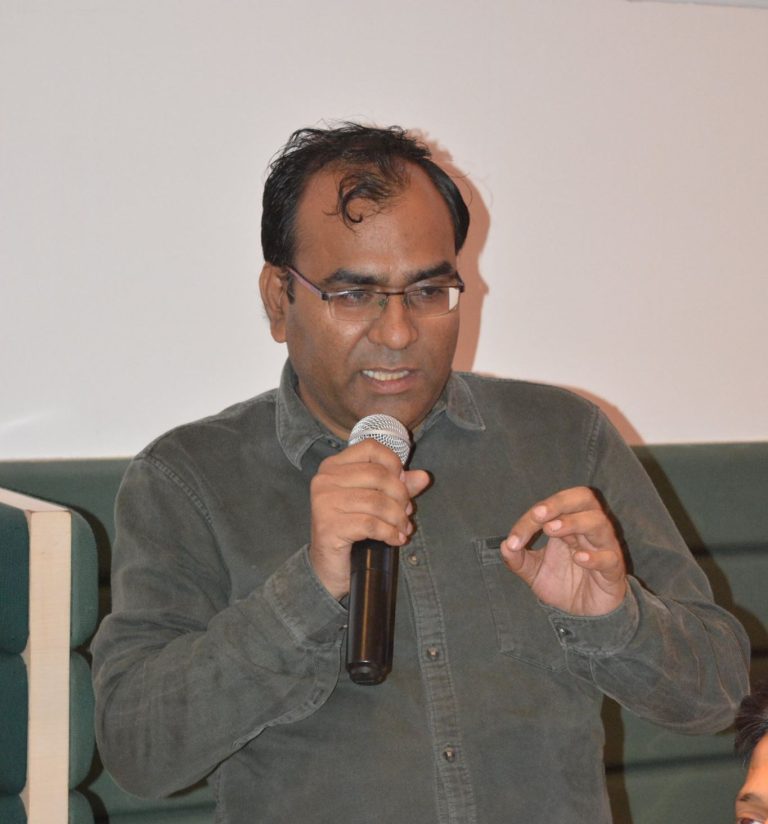
Software architect helping teams design, build and modernize systems for the AI era
I am Zareef Ahmed, a software architect and consultant. For over two decades, I have designed, built, and architected software across in-house and cloud environments. Today, I help engineering teams put AI to work by modernizing legacy stacks, adopting generative code workflows, and shipping reliable production systems built for the AI era with practical architecture, automation, and hard-earned delivery experience.
My specialty: offline, on-premise AI deployments.
I help organizations run generative AI entirely inside their own infrastructure, so they get the productivity gains without surrendering privacy, data control or security. Connect with me on LinkedIn to discuss how private, secure, and production-ready AI can work for your organization.
My current focus: putting generative AI to work on real software. I use tools like Claude Code, GitHub Copilot, OpenAI Codex, OpenCode and Ollama, along with tools I have built myself, to design, build and review production code, moving faster while staying the human quality control behind every line. A big part of this work is modernization: I am rewriting many of my old applications and running migration projects with AI doing the heavy lifting. Every project sharpens the workflows, guardrails and review discipline I bring to client teams.
AI is quietly reversing what made IT a ladder for people without money. The real question is no longer who will use AI, but who cannot, and why: a matter of cost and of regulation, not technology.
Every few months someone asks why I am not on Upwork or Fiverr. The honest answer comes down to how I have worked, what I value, and a quote I keep coming back to: I am not in the business of creating business.
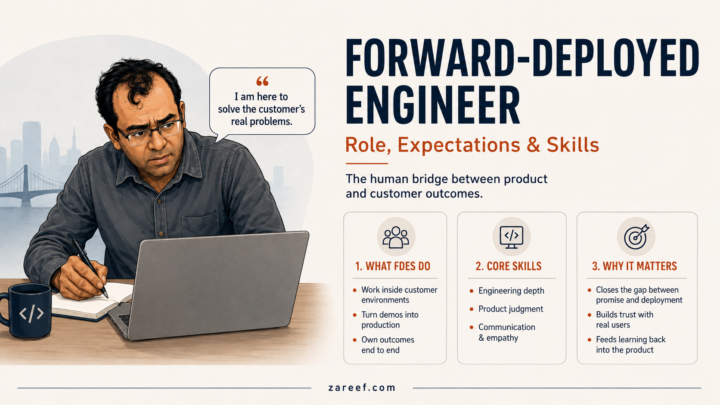
The forward deployed engineer is suddenly tech's hottest role. What FDEs actually do, what is expected of them, and the technical, product and human skills the job demands, from a practitioner who does forward-deployed AI work.
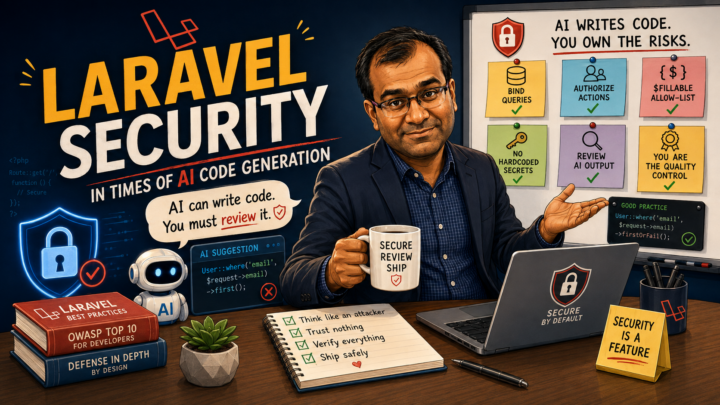
AI assistants write fluent Laravel code that hides the security mistakes the framework prevents. How AI code generation changes the risk picture, a review workflow for what the assistant hands you, and how it connects to the book You Are the Quality Control.
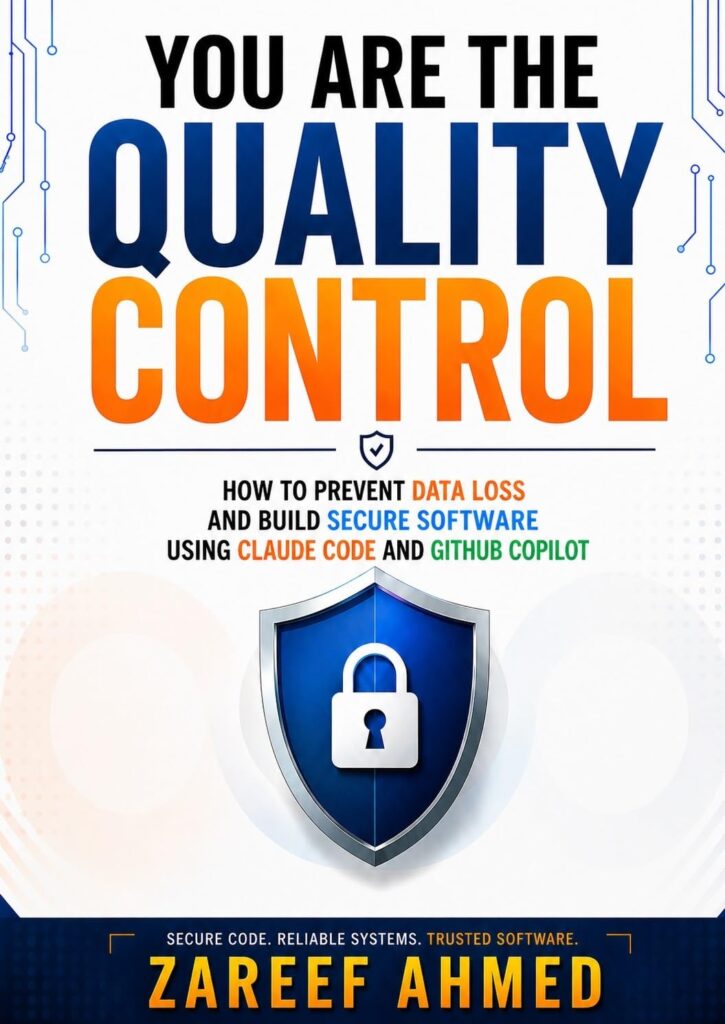
A practical guide to secure software in the age of AI-assisted development
A sharp, practical guide to building secure software in the age of AI-assisted development. Tools like Claude Code and GitHub Copilot can write much of your code, but this book is about the part that stays yours: review discipline, security guardrails, and the judgment that turns fast AI output into production-ready systems. The title is the thesis. The AI writes, and you are the quality control.
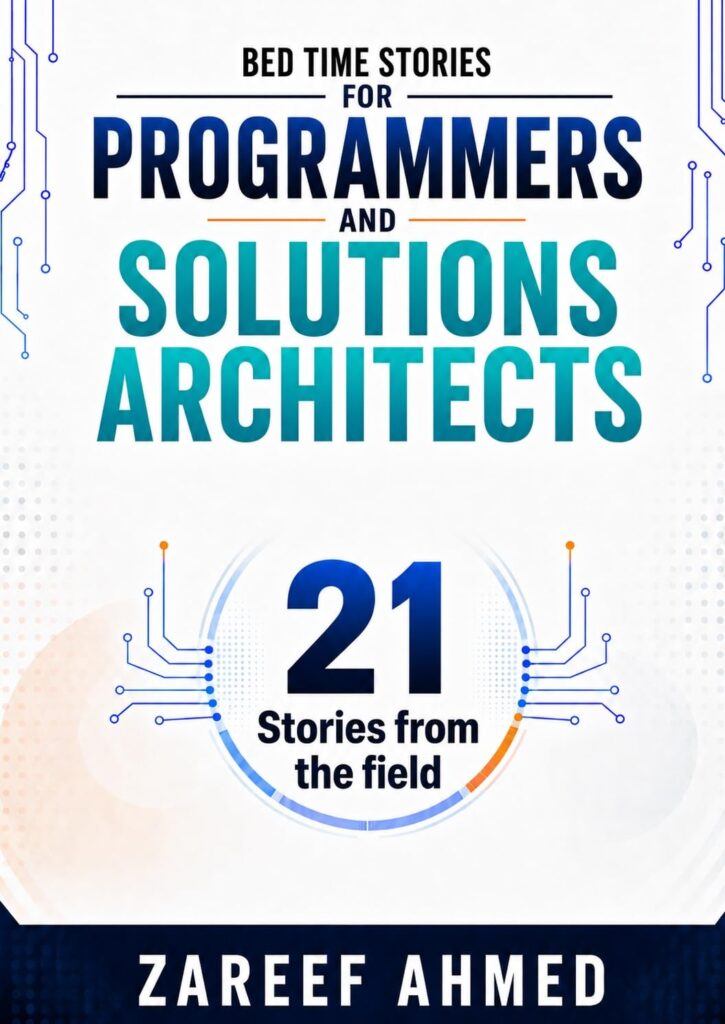
Twenty-one short stories from the field that teach the canonical patterns of solutions architecture the way real teams meet them: at 2 AM, in a war room, or a week before launch. Each story begins with people under pressure and ends with a pattern you can name, reuse, and defend in your next design review. Read one before bed, then carry the lesson into the morning standup.
A raw, first-person look into the world of cloud solutions
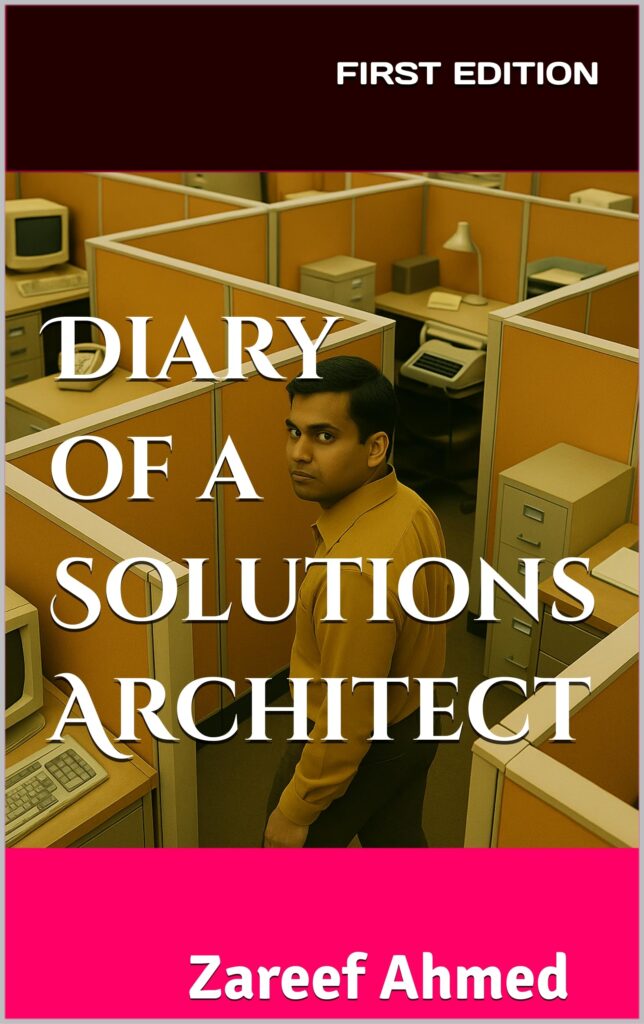
A raw, first-person narrative of a cloud solutions architect working inside a sales-driven organization. Zareef takes you through customer meetings, quota pressures, and the quiet battles between what a stack really needs and what merely looks good on a dashboard. Along the way it becomes a study of the psychology of professional consistency: how to keep doing honest work when the incentives push the other way.